Course description
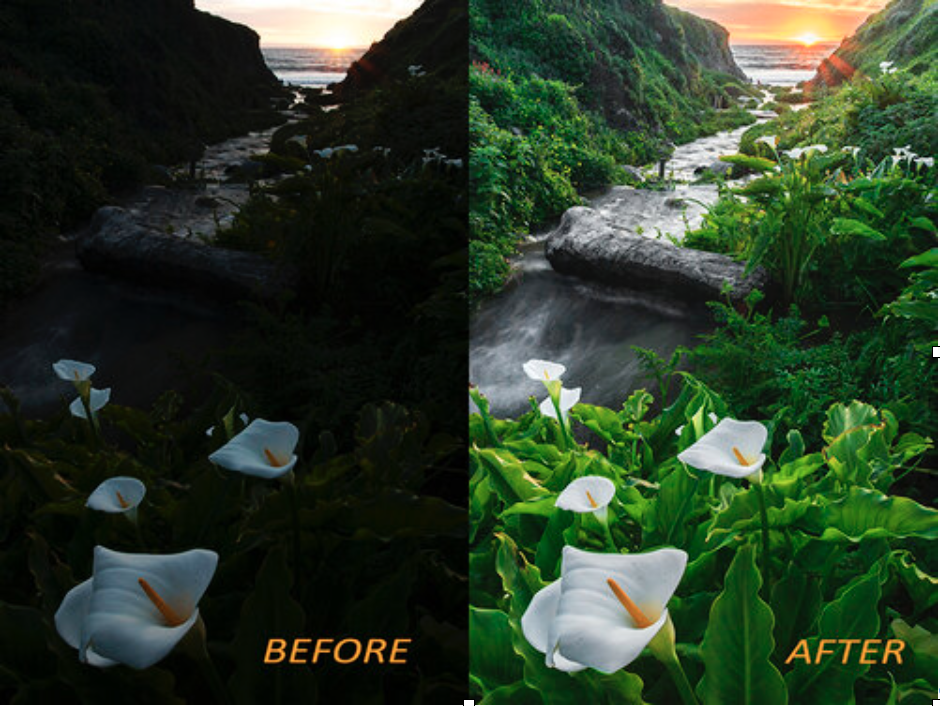
This four-session course is designed for adult photographers who want to learn how to efficiently organize, edit, and enhance their images using Adobe Lightroom. Whether you’re new to Lightroom or looking to strengthen your workflow, this hands-on class will guide you through the essential tools photographers use to manage large photo libraries and produce polished, professional-looking images. Over four 2-hour sessions, participants will learn how to import an organize photos, use Lightroom’s powerful non-destructive editing tools, and develop a consistent editing style. The course will also cover techniques for color correction, exposure adjustments, cropping, local edits, presets, and preparing images for printing or sharing online. Two 8X10 prints are included.
Requirements
Software: Lightroom Classic Note: We will not be using the cloud version. Students must have their Lightroom Classic software installed onto their computer prior to the first class. Photo Center Orientation is not required for this class, but it is required if student wishes to come to the Photo Center outside the workshop to develop film on their own and/or print their own photos in the Darkroom.